Settings
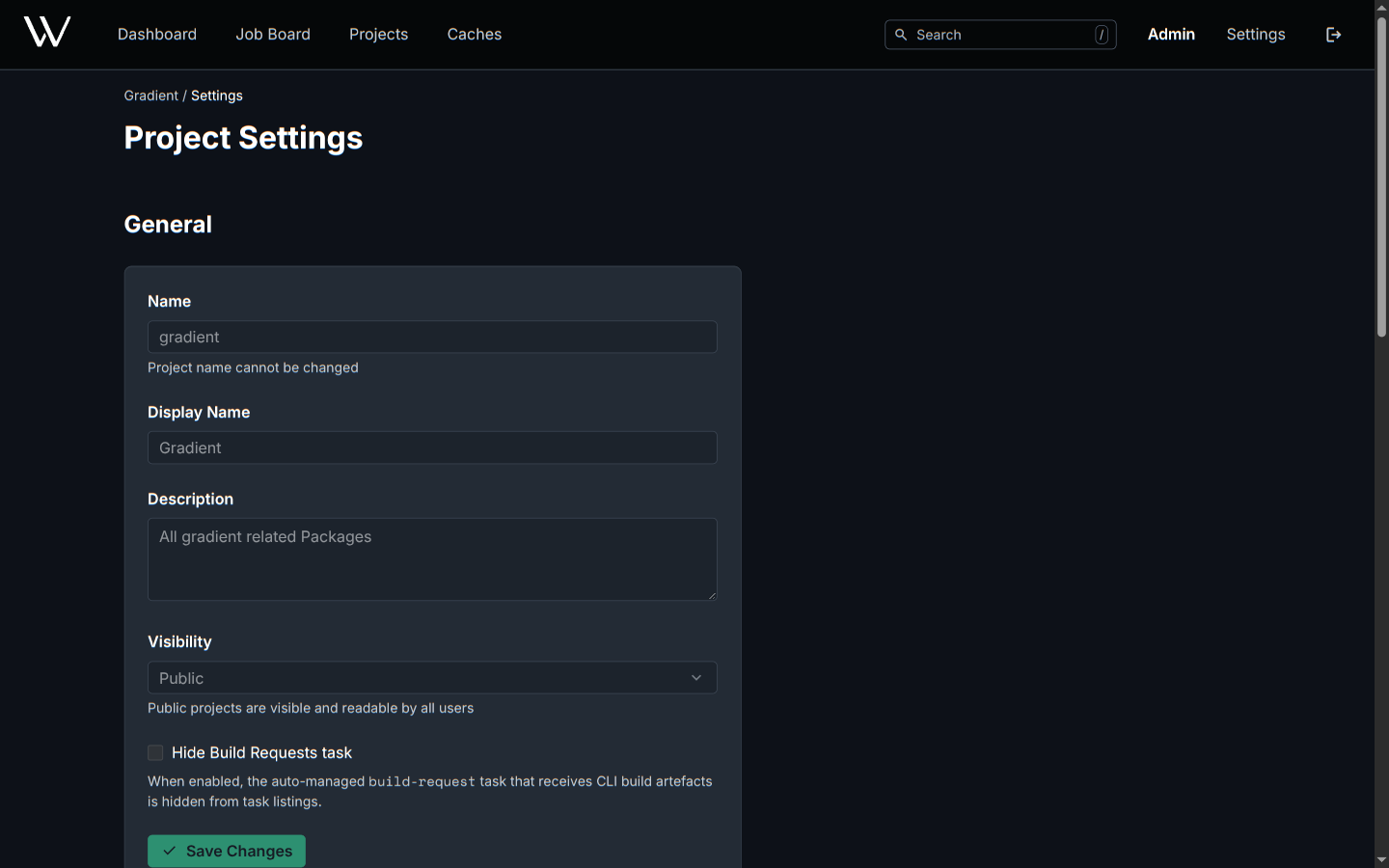
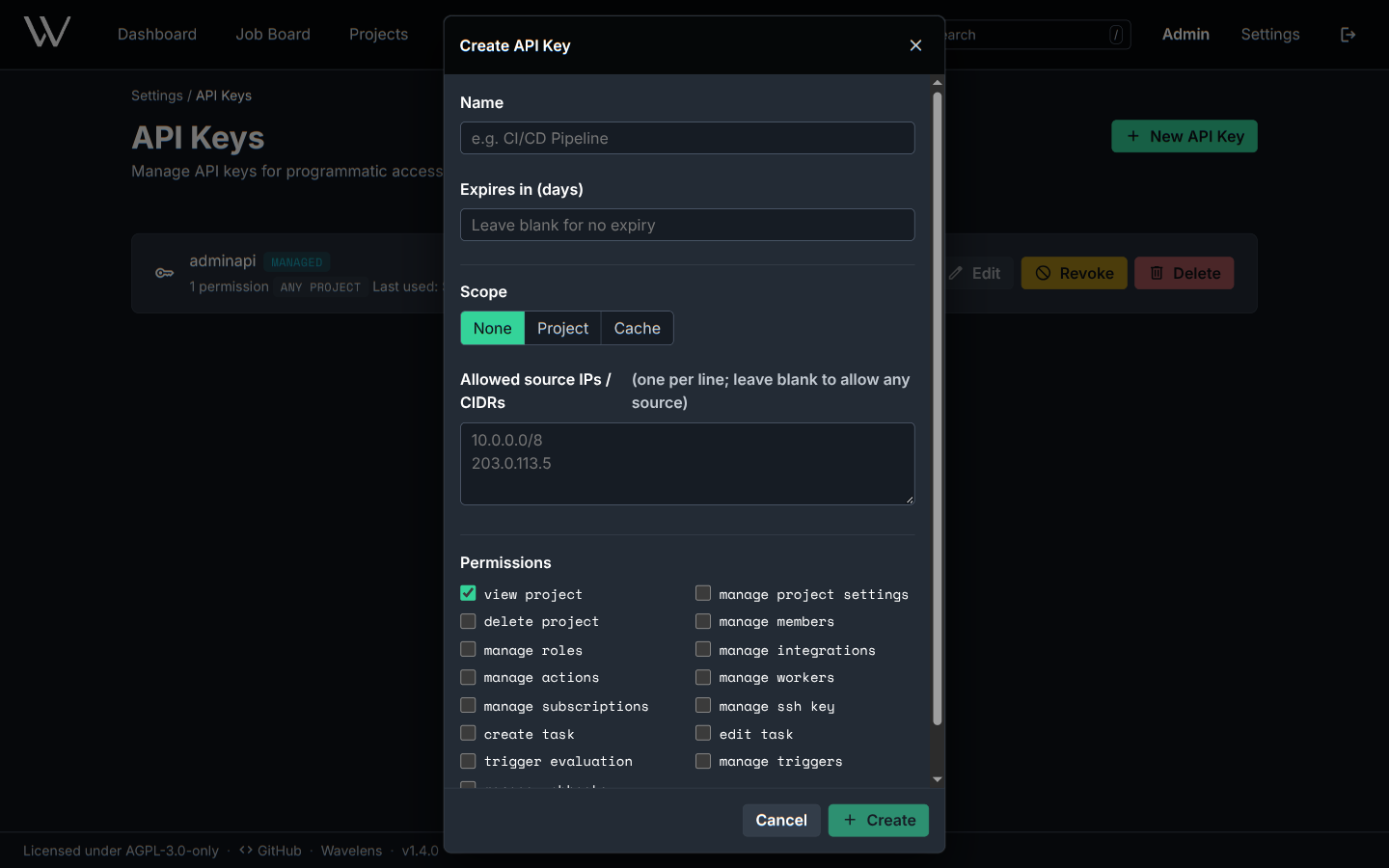
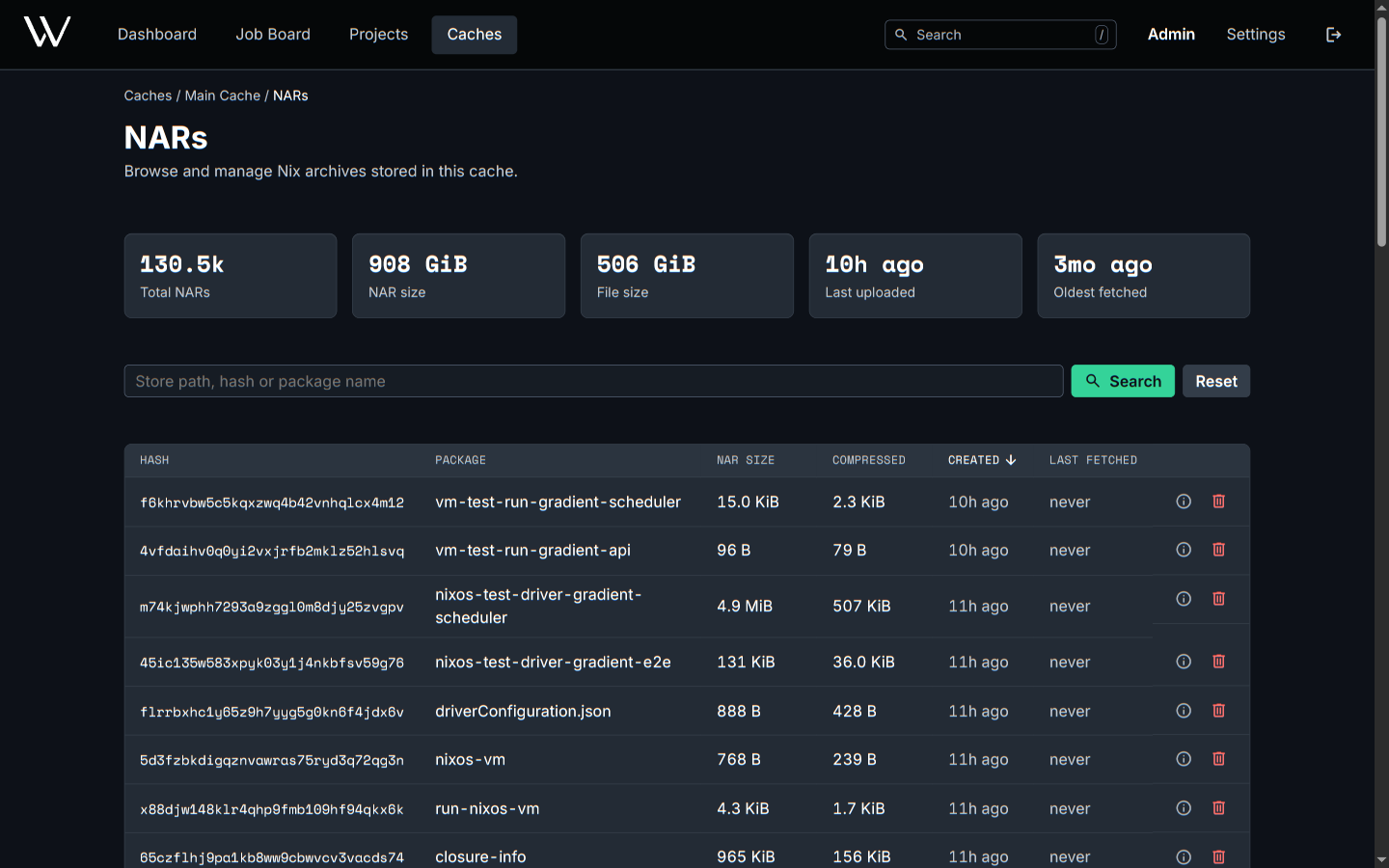
Three settings pages: the user's own, a project's and a cache's. Fields of entities declared in Nix show disabled, with the hint Managed by Nix.
User Settings
Settings in the header.
| Page | Content | Actions |
|---|---|---|
| Profile | Username, full name, email | Edit. Pick the theme under Appearance. Delete Account |
| API Keys | Keys with their scope and permissions | New API Key, edit, revoke, delete |
| Sessions | Every device signed in to the account | Revoke a session |
| My Invites | Open invitations to projects and caches | Accept or decline |
The browser will store the theme (System, Light, Dark), not the account.
Project Settings
Settings on the project page.
| Section | Content | Actions |
|---|---|---|
| General | Name, display name, description, visibility | Edit. Hide Build Requests task will hide the task holding gradient build evaluations from task lists. The evaluations continue |
| More Settings | Links to Members & Roles, Workers, Cache Subscriptions, Integrations, Webhooks | Open each page |
| SSH Key | The public key for cloning the project's repositories | Copy as a deploy key on the Git host |
| Danger Zone | Regenerate Key, invalidating the old key at once. Delete Project |
Every evaluation and build of a public project is visible to everyone, signed in or not.
Cache Settings
Settings on the cache page.
| Field | Effect |
|---|---|
| Priority | Advertised to Nix clients in nix-cache-info. Lower values win, default 10 |
| Local Priority | Priority for clients from services.gradient.http.localIps. Empty: same as Priority |
| Max Storage (GB) | New evaluations wait while every writable cache of the project is down to less than 10 MiB. 0 is unlimited |
| Pull-Through | Nix clients receive paths from the upstream caches through the cache. Disabled: only paths the cache holds |
| Visibility | Public caches hand out paths without credentials |
The cache page also has Upstream Caches, NARs, Members & Roles, Subscriptions and Webhooks.
Related
- Members and Roles: members, invitations and permissions
- Caches: upstream caches and substitution order
- Share a Cache: subscriptions and netrc